Written with curiosity by the Trend Pe Charcha desk.
Apple’s MacBook lineup in 2025 is more exciting than ever — with options ranging from the classic Air M1 to the powerful Pro Max. But which MacBook is truly right for you? Whether you’re a student, a creative professional, or a power user, this guide will help you pick the perfect MacBook based on price, performance, and usage.
💻 MacBook Air Series
MacBook Air M1 (13-inch)
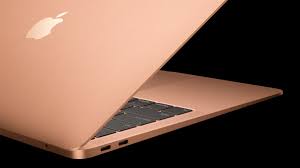
Price Range: ₹50,000 – ₹70,000
Best for: Students, casual users, and first-time MacBook buyers
Why choose it:
- Extremely lightweight and portable
- Silent fanless design
- Great battery life (~18 hours)
Pros: Affordable, still powerful for everyday tasks
Cons: Limited RAM (max 16GB) and fewer ports
Buy Here: https://amzn.to/4pSKkii
MacBook Air M2 (13-inch)
Price Range: ₹61,990 – ₹90,000
Best for: Students and casual power users
Why choose it:
- Faster than M1
- Improved design with slightly bigger display options
- Excellent battery and performance for everyday apps
Buy Here: https://amzn.to/4gVoEOr
MacBook Air M3 / M4 (13-inch & 15-inch)
Price Range: ₹90,000 – ₹1,49,900
Best for: Students who multitask, travelers, and light creative work
Why choose it:
- Latest chip with better efficiency and performance
- Bigger screen option (15-inch) without sacrificing portability
- Ideal for students who use multiple apps, browser tabs, and media
Buy Here: https://amzn.to/3Wh11pV – M3
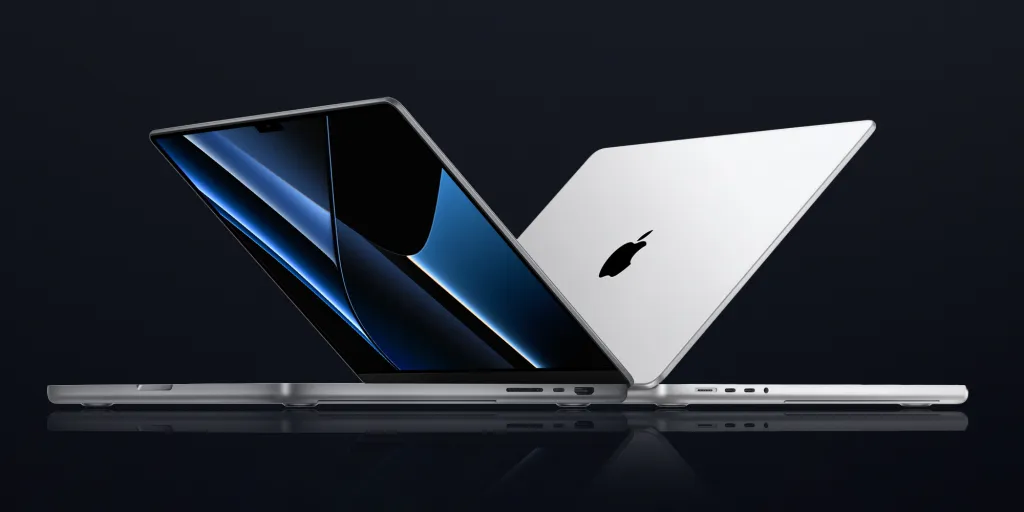
💻 MacBook Pro Series
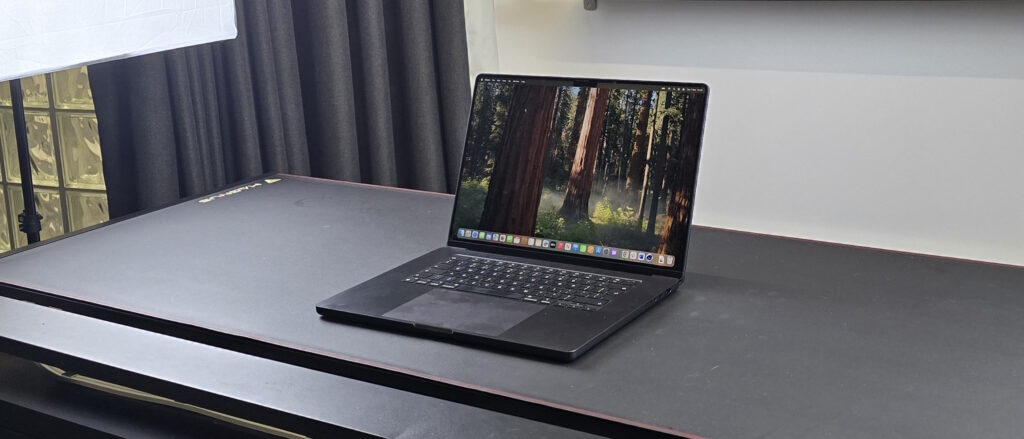
MacBook Pro 14-inch M4 / Pro / Max
Price Range: ₹1,69,900 – ₹2,00,000+
Best for: Creatives, developers, power users
Why choose it:
- Powerful CPU/GPU, perfect for video editing, coding, and design
- Mini-LED high-brightness display for color accuracy
- More ports for external drives, monitors, and accessories
Buy Here:
MacBook Pro 16-inch M4 / Pro / Max
Price Range: ₹2,00,000 – ₹2,79,900+
Best for: Heavy-duty creative work and professional workflows
Why choose it:
- Maximum performance for demanding tasks
- Larger display for design, video editing, and multitasking
- Excellent thermal management and long-term future-proofing
Buy Here: https://amzn.to/48cAMrZ – 16″
https://amzn.to/3WjkTIZ – 14″
See full comparison of macbook M4 pro –
📊 Quick Comparison Chart
| Model | Price (₹) | CPU / GPU | RAM | Storage | Screen Size | Best For |
|---|---|---|---|---|---|---|
| MacBook Air M1 13″ | 50,000 – 70,000 | M1 | 8–16GB | 256–512GB | 13-inch | Students / Casual Users |
| MacBook Air M2 13″ | 61,990 – 90,000 | M2 | 8–16GB | 256–512GB | 13-inch | Students / Light Multitaskers |
| MacBook Air M3 / M4 13″/15″ | 90,000 – 1,49,900 | M3 / M4 | 8–24GB | 256GB–1TB | 13/15-inch | Students / Travelers / Light Creatives |
| MacBook Pro 14″ M4 / Pro | 1,69,900 – 2,00,000+ | M4 / Pro | 16–32GB | 512GB–2TB | 14-inch | Creatives / Developers |
| MacBook Pro 16″ M4 / Pro / Max | 2,00,000 – 2,79,900+ | M4 / Pro / Max | 16–64GB | 512GB–8TB | 16-inch | Heavy Creatives / Professionals |
🎓 Best MacBooks for Students
Students have unique needs: lightweight laptops, good battery, and enough power for research, office apps, coding, and occasional creative work.
Recommended:
- Budget-conscious student: MacBook Air M1 13-inch
- Balanced performance: MacBook Air M2 / M3 13-inch
- Large screen + multitasking: MacBook Air M4 15-inch
Tip: Don’t overspend on Pro models unless you’re doing serious editing, 3D, or development work — for most students, Air models are perfect.
🔍 Which MacBook Should You Buy?
| User Type | Best Option | Why |
|---|---|---|
| Student / Everyday Use | MacBook Air M1 / M2 | Lightweight, long battery, affordable |
| Frequent Traveler | MacBook Air M3 / M4 15-inch | Bigger screen without sacrificing portability |
| Creative Work (Video, Design) | MacBook Pro 14-inch M4 | Powerful CPU/GPU, color-accurate display |
| Power Users / Developers | MacBook Pro 16-inch M4 Pro/Max | Maximum performance, best for heavy workflows |
| On Tight Budget | Older MacBook Air M1 | Affordable and still capable for daily tasks |
💡 Quick Buying Tips
- RAM: 16GB is minimum for future-proofing; go higher for creatives.
- Storage: SSD 512GB+ recommended if working with large files.
- Ports & Connectivity: Pro models offer more flexibility for external devices.
- Battery Life: Air models excel here; Pro lasts less under heavy workloads.
- Screen Size: 15-inch Air or 14/16-inch Pro depending on workflow preference.
Conclusion:
For most people in 2025, the MacBook Air 15-inch M4 is the sweet spot — balancing performance, portability, and price. But if you need heavy creative or professional-grade performance, go for the MacBook Pro 14/16-inch M4 or Pro/Max.
Compiled with love by the Trend Pe Charcha crew ✨